Studio-grade product photos, straight from your console.
Generate AI images with AI Studio: start from your product photo, describe the scene, get variants in the right ratio, remove the background or create a video, all paid with your AI credit. For every HEROS store, in Montréal, New York, Casablanca, Paris or Dubai.
AI creditReserved, then adjustedRefunded on failureStoriesTikTokInstagramProduct listingBannerCatalogueHEROS wallet
AI creditReserved, then adjustedRefunded on failureStoriesTikTokInstagramProduct listingBannerCatalogueHEROS wallet
EVERYTHING YOUR VISUALS NEED
A photo studio, without the studio.
A clean background in one click
Remove a product photo’s background in one click, no editing software. Your catalogue gets a consistent background, ready for your store and social media.
Enhance a photo taken on a phone: sharper, bigger, cleaner.
Paid with AI credit
Reserved at launchReserved
Difference refundedReturned
Failure: fully refundedReturned
Video · Leather poufFailedRefunded
Paid with AI credit, refunded if it fails
Every creation is paid with your wallet’s AI credit: reserved at launch, the difference comes back to you, and everything is refunded if the job fails.
VIDEO
A product photo becomes a video for your stories.
Start from an image of your product, describe the motion, choose 9:16: AI Studio generates a short video ready for your stories, TikTok or ads.
Video generated from a photo
In the vertical story format, 9:16
Refunded if the job fails
Medina tote · 9:16 · demo
heros.app/console/studio/video
Product video"Medina" leather tote · from a photo
Generate video
9:16 · 0:06
Key frames
Motion
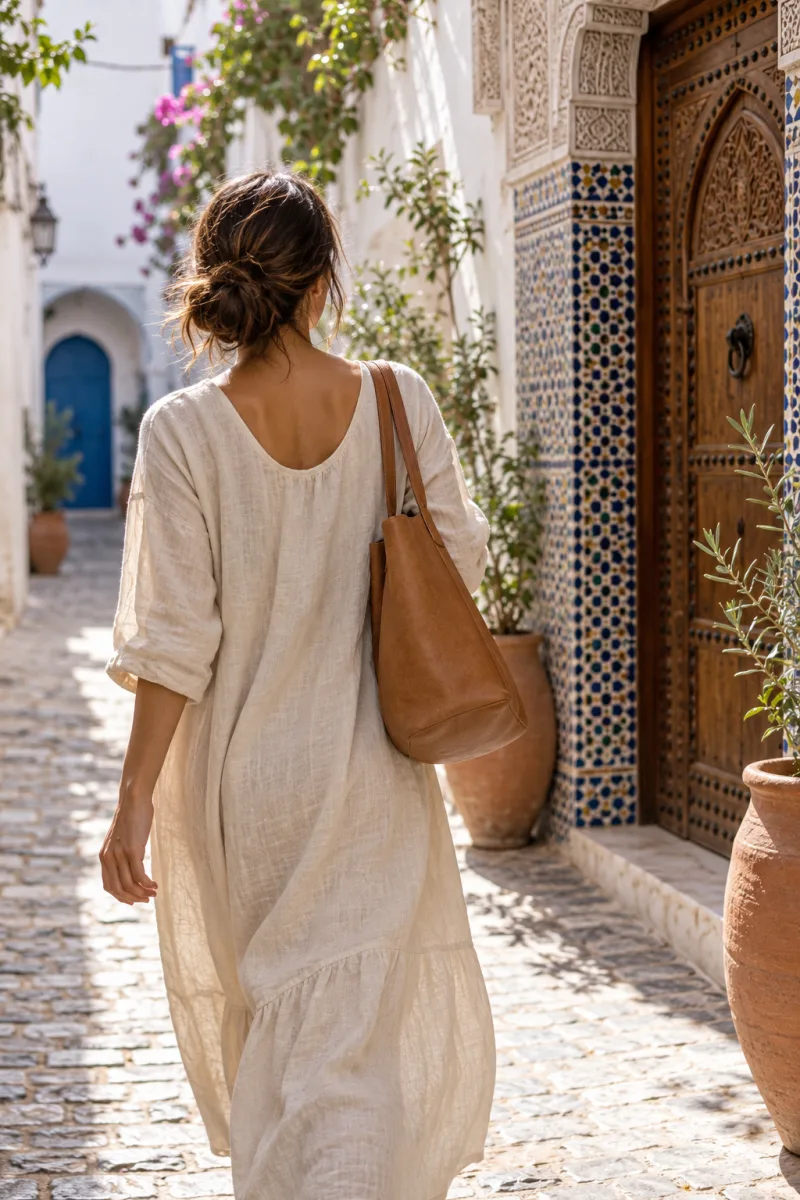
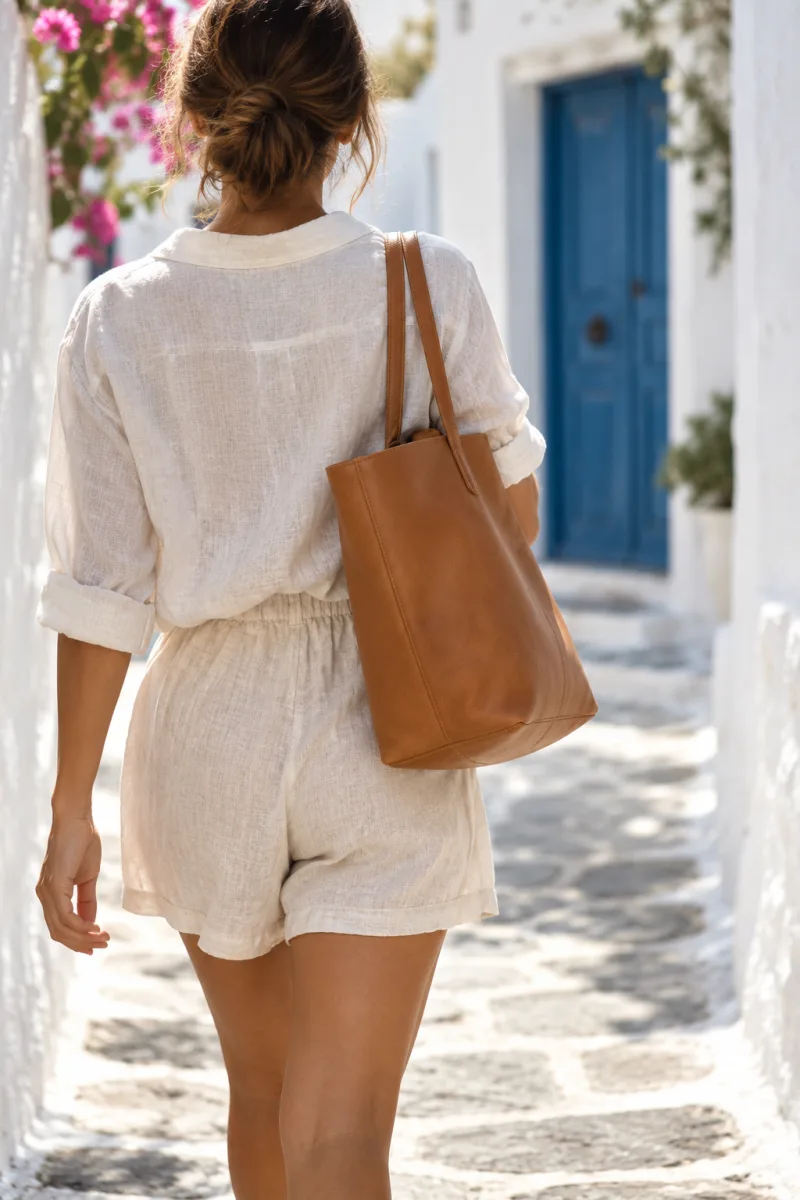
She walks down the alley, the tote on her shoulder
1:14:53:49:1616:9
Generating62 %
AI credit reservedVideo · "Medina" leather tote · adjusted at the end
A PHOTO SHOOT WITHOUT A PHOTOGRAPHER
From prompt to downloaded image.
Step 01
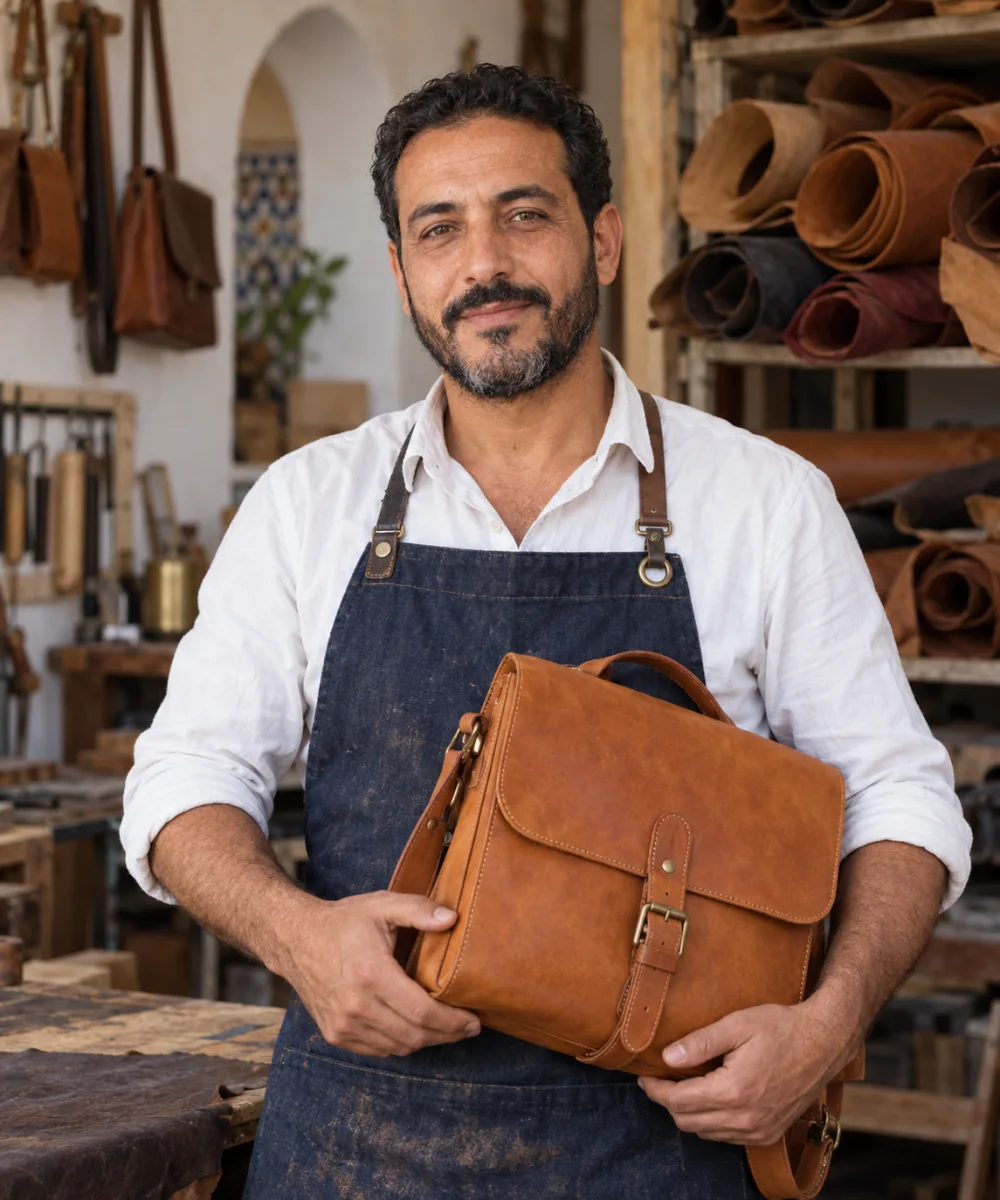
Yassine describes the scene
He adds the photo of his leather tote and writes: “in the medina: sunlit alley, warm stone, workbench”.
10:30
AI Studio
Yassine El AmraniAtelier Medina · Casablanca
ImageVideoRemove bgEnhance
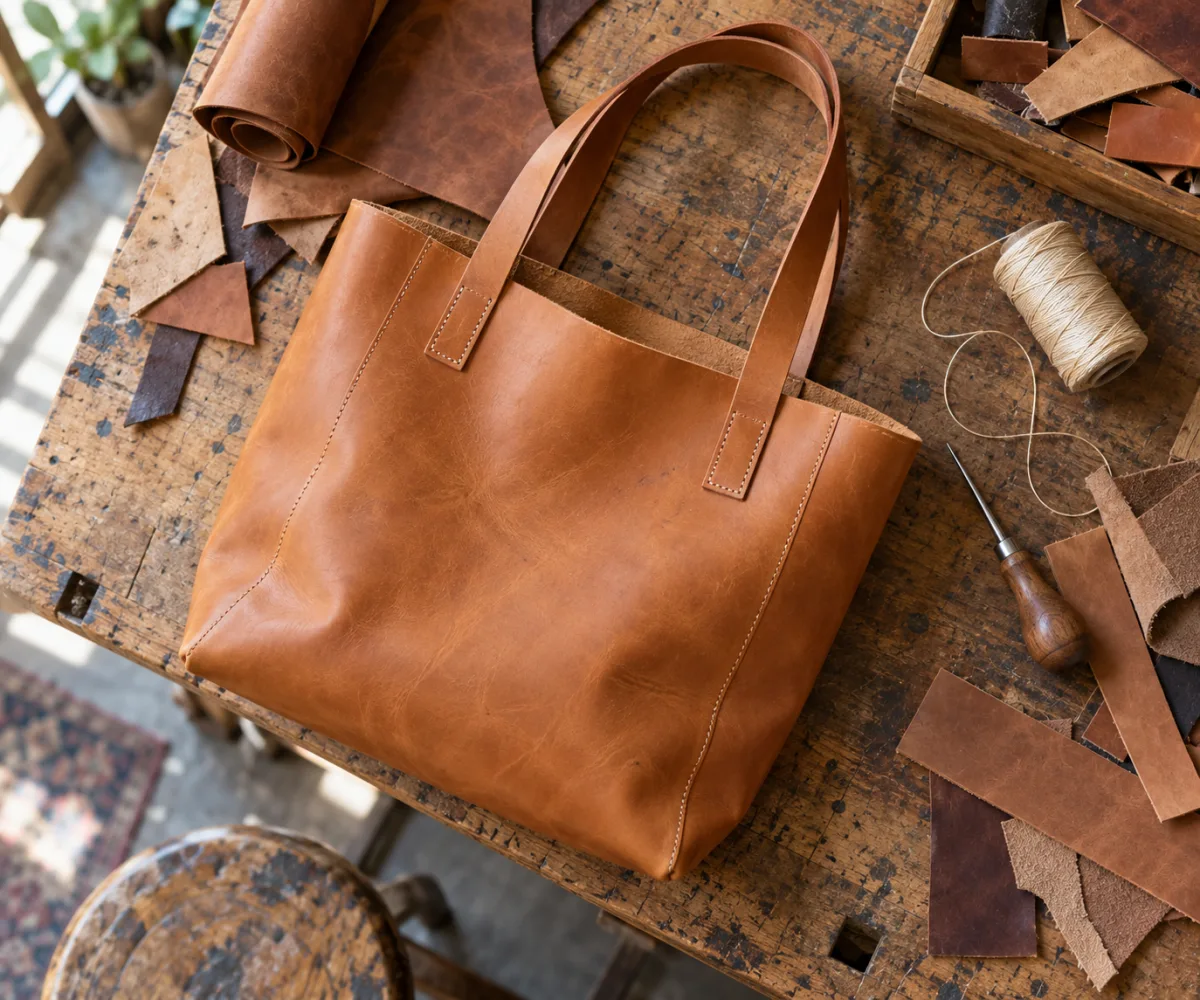
"Medina" leather toteYour starting photo
Prompt
in the medina: sunlit alley, warm stone, workbench
1:14:53:49:1616:9
Your latest creations
Generate
Step 02
AI Studio gets to work
Four variants are on their way. AI credit is reserved, and comes back if anything fails.
10:30
AI Studio
AI credit reservedThe difference comes back to you
Refunded if it failsAutomatically
Step 03
He picks his variant
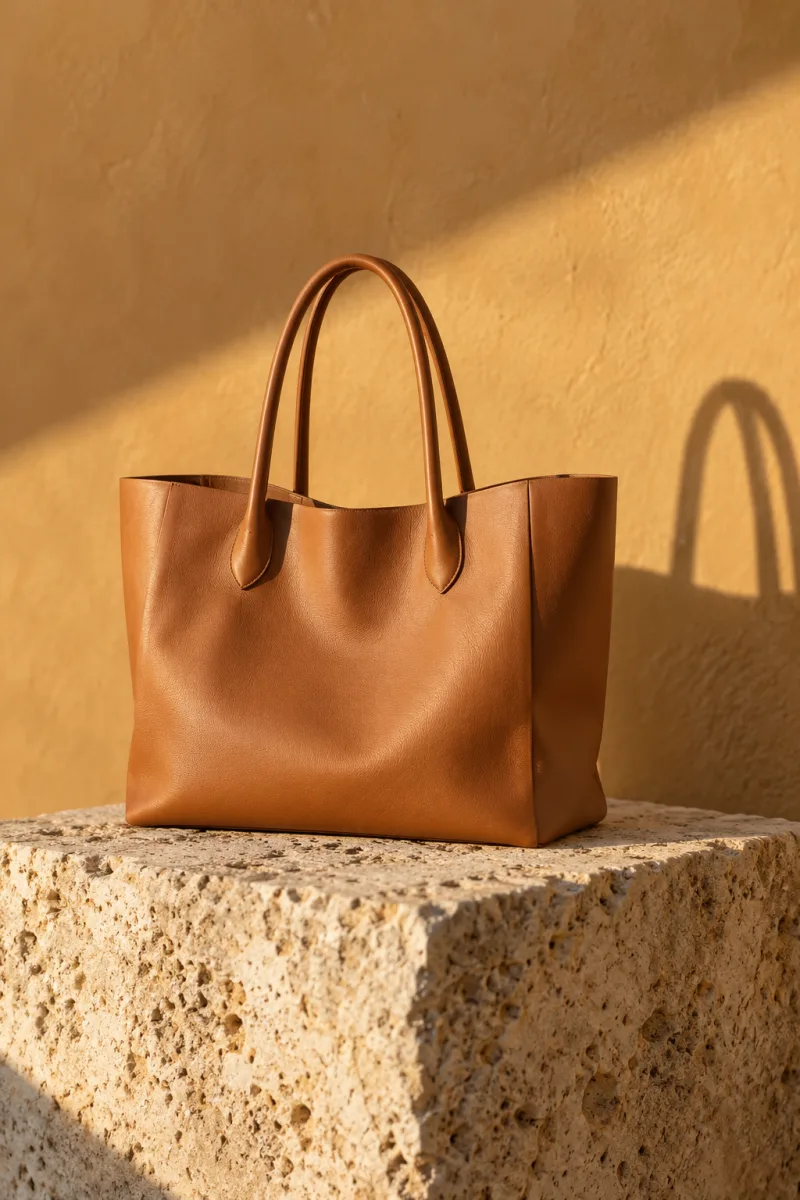
Four options in 4:5: he keeps the second one, the sunlit alley.
10:30
4 variants
4:5
Variant 2 selectedSunlit alley · 4:5
DownloadRemove bgEnhance
Run 4 more
Step 04
The image is ready
He downloads it for his product listing and his Instagram posts.
10:30
AI Studio
4:5
"Medina" leather toteReady for your listing and posts
Remove bgEnhanceAs video
Download
10:30
AI Studio
Yassine El AmraniAtelier Medina · Casablanca
ImageVideoRemove bgEnhance
"Medina" leather toteYour starting photo
Prompt
in the medina: sunlit alley, warm stone, workbench
1:14:53:49:1616:9
Your latest creations
Generate
10:30
AI Studio
AI credit reservedThe difference comes back to you
Refunded if it failsAutomatically
10:30
4 variants
4:5
Variant 2 selectedSunlit alley · 4:5
DownloadRemove bgEnhance
Run 4 more
10:30
AI Studio
4:5
"Medina" leather toteReady for your listing and posts
Remove bgEnhanceAs video
Download
AI CREDIT
You only pay for what worked.
Every creation shows up in your history with its status. AI credit is reserved at launch, adjusted at the end, and returned in full when a job fails.
Yes. You can add up to 3 reference images and describe what you want, or generate an image from a description alone.
Which ratios can I get?
1:1, 4:5, 3:4, 9:16 and 16:9: from the product listing to stories to your site banner.
Can AI Studio remove backgrounds?
Yes. It removes a photo’s background in one click. It can also sharpen and upscale an image.
Can it make videos?
Yes. AI Studio generates videos from an image or a description, for example in 9:16 for stories and TikTok.
How do I pay for my creations?
With the AI credit in your HEROS wallet. The amount is reserved at launch, the difference is returned to you, and if a job fails you are refunded in full, automatically.
GO FURTHER
Pair it with AI Workplace, AI assistant connector and Store AI assistant.

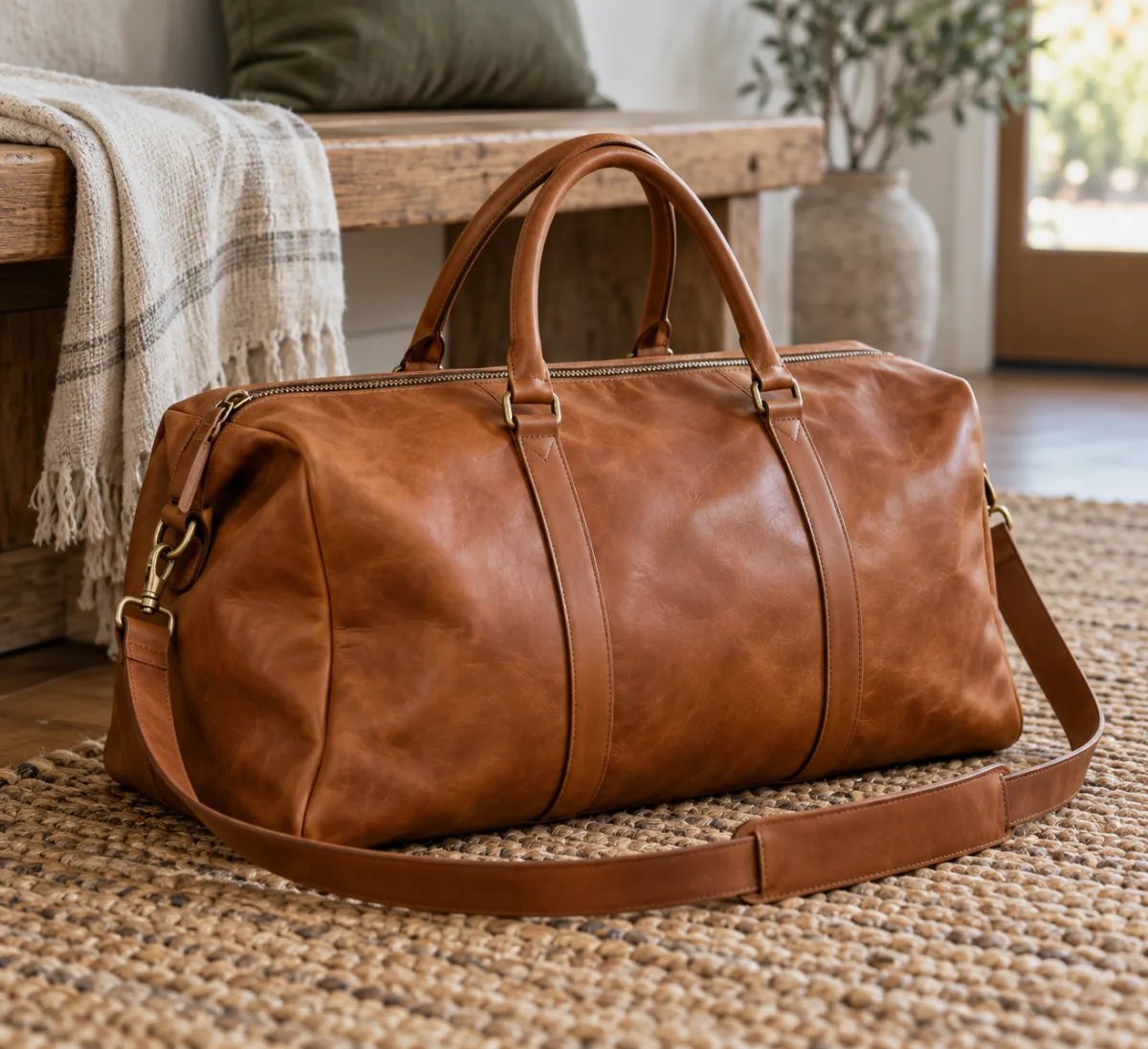
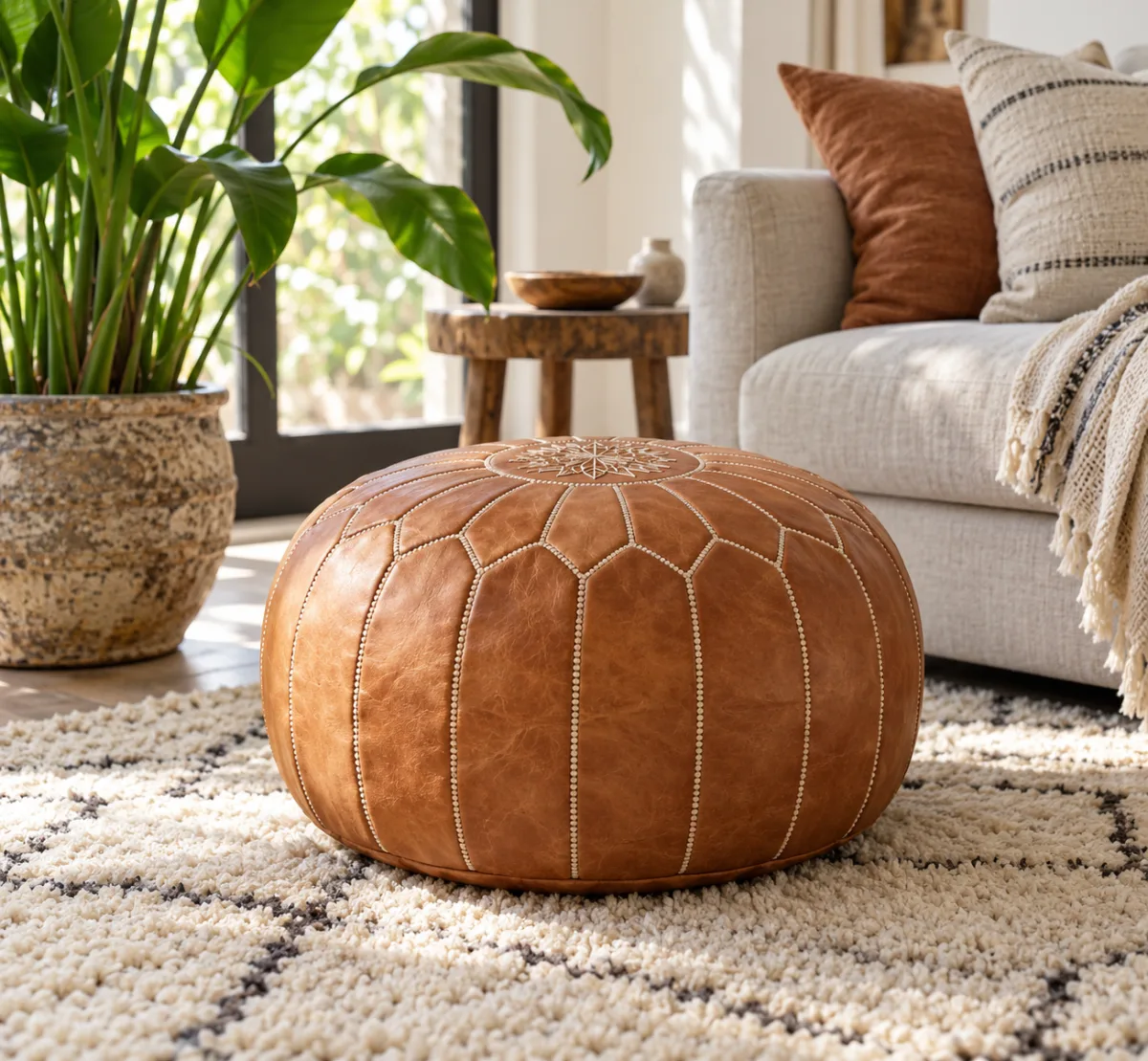
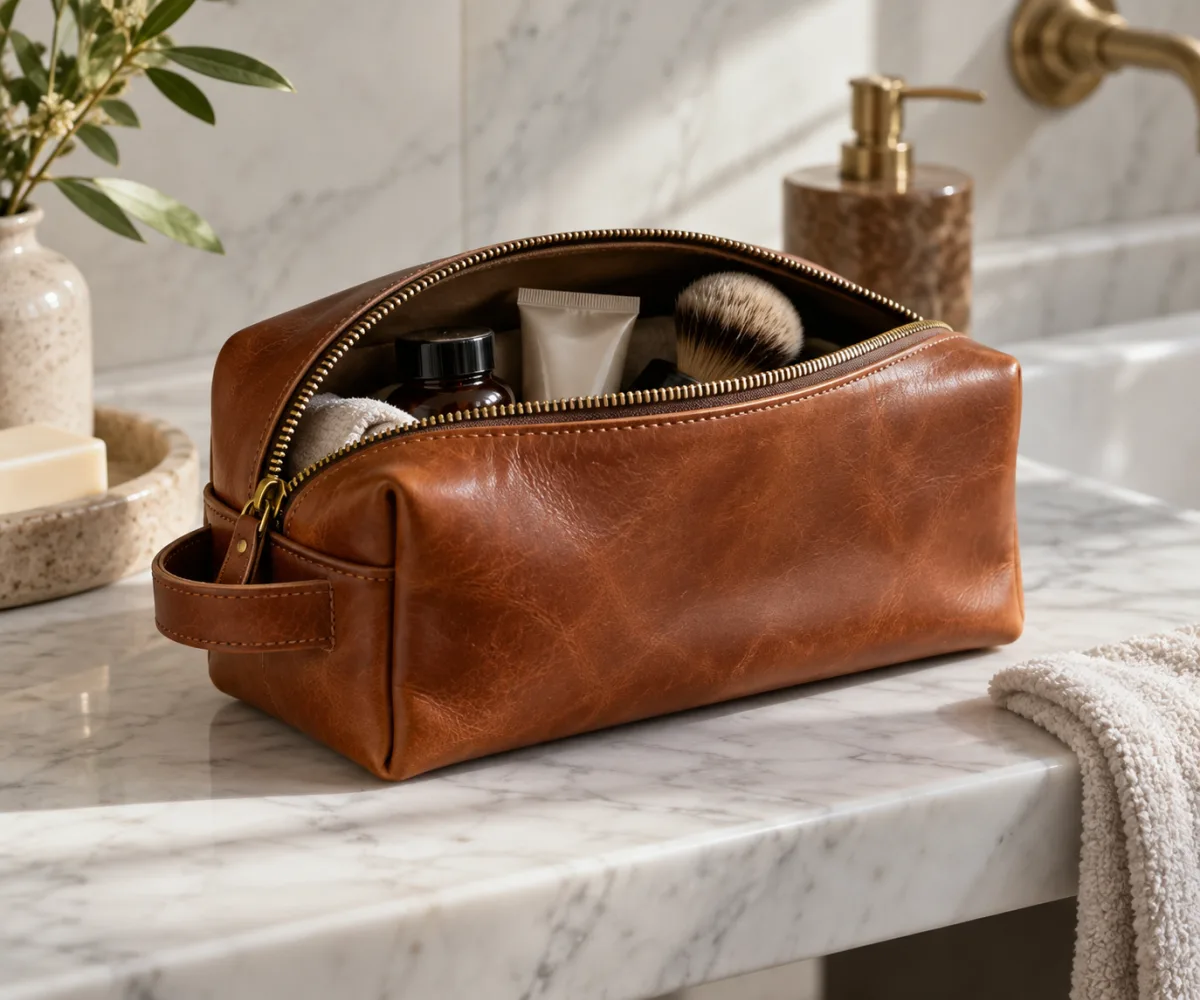
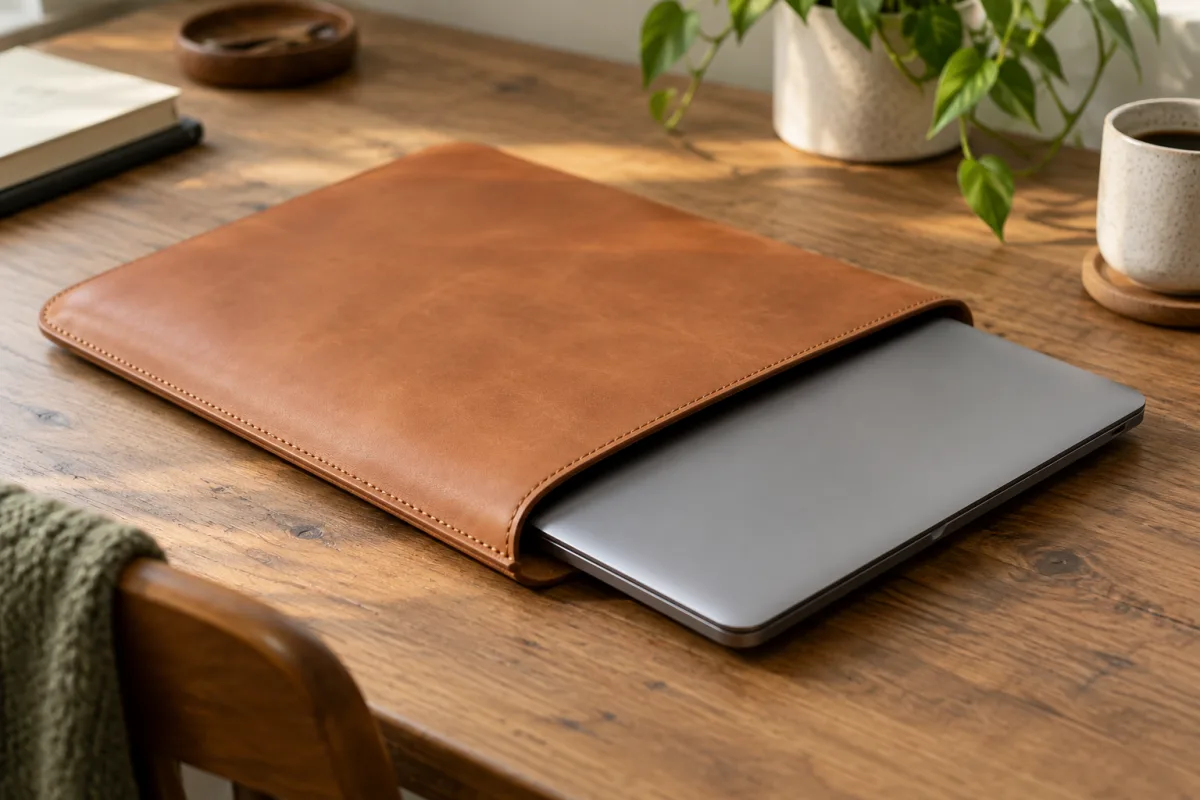
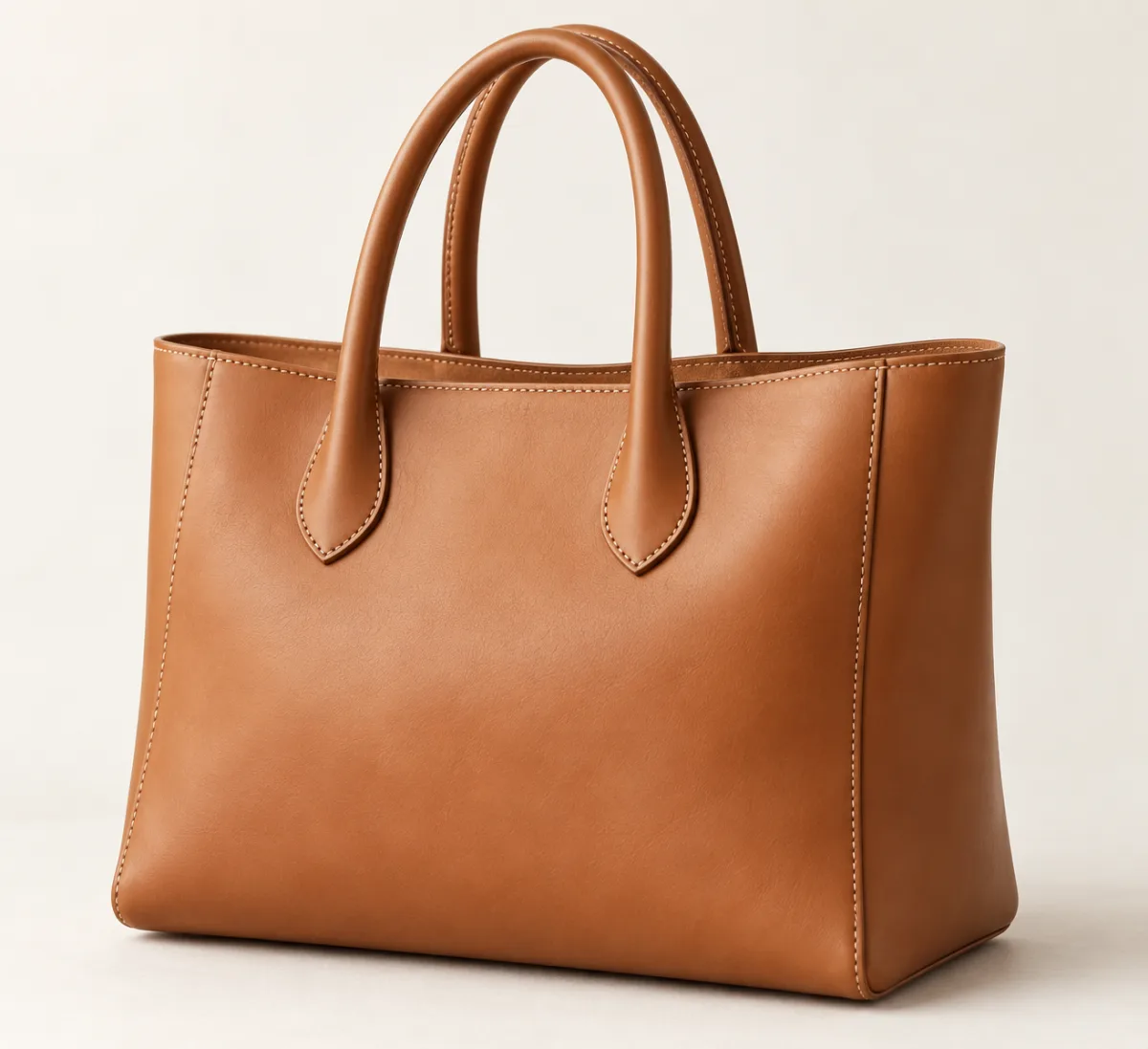 "Medina" leather toteYour starting photo